

Product configurators in real-time 3D
Every variant visible instantly, every combination technically checked: customers and sales teams configure your product live in the browser.
Overview
More variants than any catalogue can hold.
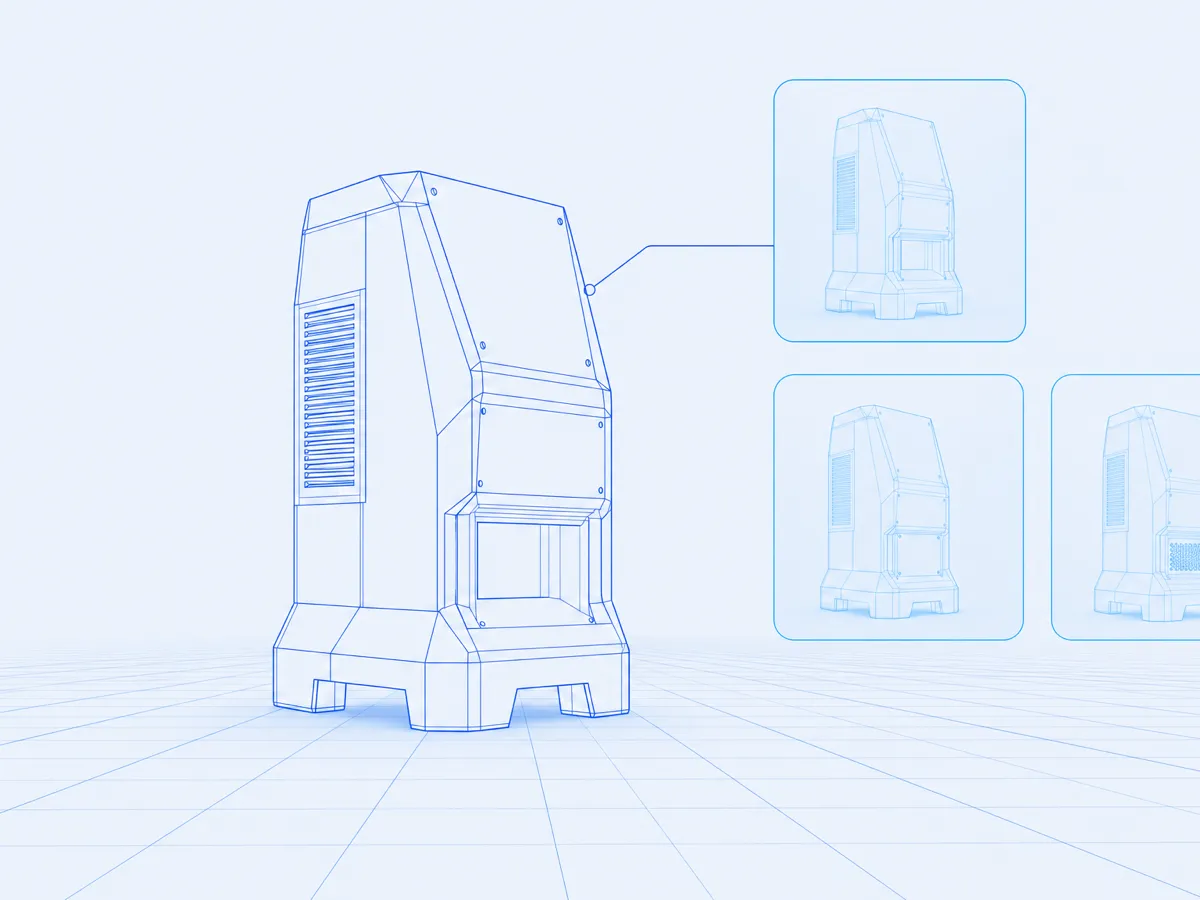
Technical products often have more possible versions than can sensibly be printed or photographed. A configurator turns the problem around: instead of leafing through a selection, the customer assembles their variant and sees it immediately.
What matters is not only the visualisation but the rule set behind it. Which option rules out which, which combination can actually be built, what price results — that logic lives in your systems and the configurator follows it to the letter.
Feature set
What a configurator from us brings along.
Six building blocks that turn a 3D view into a sales tool.
Real-time preview
Every choice changes the model immediately — geometry, material and colour with no loading time in between.
Rules and dependencies
Invalid combinations cannot be selected in the first place. The result is always manufacturable.
Pricing and bill of materials
The configuration produces price, parts list and article number — straight from your systems.
Share and resume
Every configuration has its own address: review internally, send externally, pick it up again later.
AR view
The finished variant can be viewed at true scale at the planned installation site via WebXR.
Output for sales
Quote data, renderings and technical views all come out of the same configuration.
Technology
Three layers, cleanly separated.
Logic, presentation and integration stay independent — each can be maintained without touching the others.
LOGIC
Rule set and product model
Options, dependencies and validity rules live in a product model of their own. It can be maintained without anyone touching the 3D application — and it stays the single source of truth for every channel.

PRESENTATION
Real-time renderer
Materials, lighting and environment are built so that every variant looks convincing without pre-computation. Model parts are loaded the moment they are needed.

INTEGRATION
Connected to your systems
Through interfaces to ERP, PIM and shop the configurator pulls prices, availability and article data — and hands the finished configuration back in structured form.

How it runs
From variant logic to a live configurator.
Four steps we walk through together with your engineering and sales teams.
Product and rule analysis
We capture options, dependencies and exclusions and translate them into a robust product model.
3D preparation
Your engineering data goes through the pipeline and comes out as variant-ready, web-grade real-time assets.
Configurator development
Interface, renderer and rule set are built in parallel and continuously checked against real variants.
Integration and launch
Connection to shop and ERP, testing on every target device, go-live and fine-tuning.
Ready to make your variants visible?
Bring your option list — we will show you how it becomes a configurator.
Discuss a project